Click on the share on the left side. Each share has a different meaning.
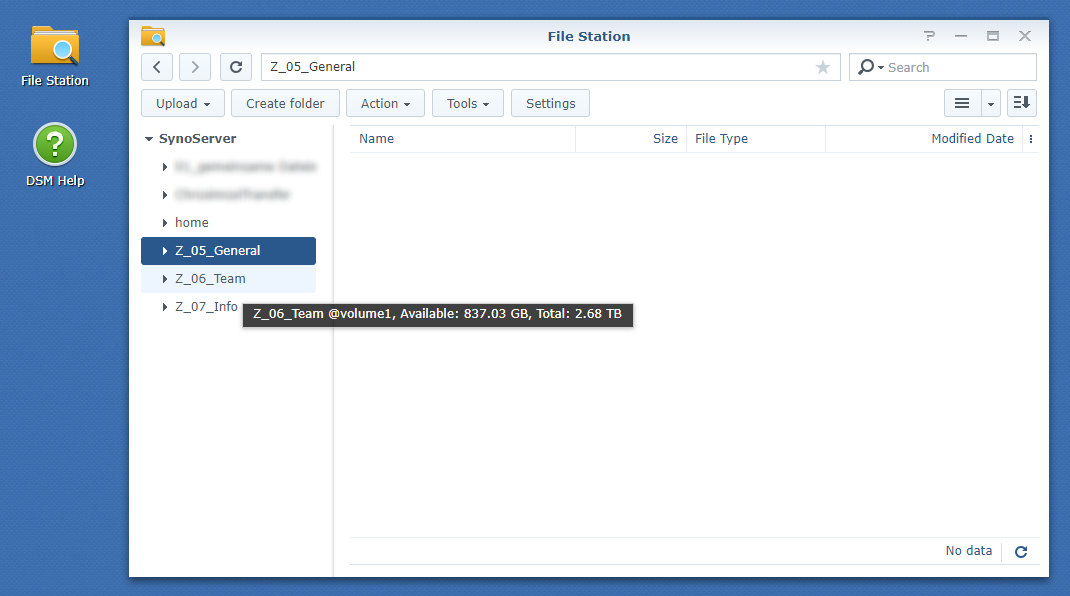
On the right side you can now download files to your computer, edit them and upload them again.
File Station .Click on the share on the left side. Each share has a different meaning.
On the right side you can now download files to your computer, edit them and upload them again.
<aside> 💡 On the share 07_Info you have only read permissions. You cannot delete or edit any files.
</aside>