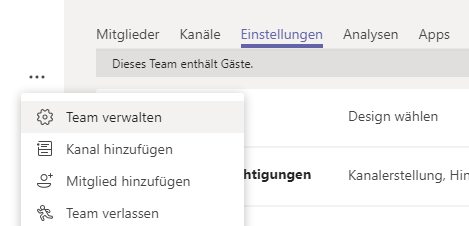
Go to Team verwalten and select
Select the permission for a guest user

Go to Team verwalten and select
Select the permission for a guest user
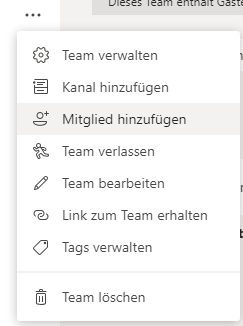
Select Mitglied hinzufügen
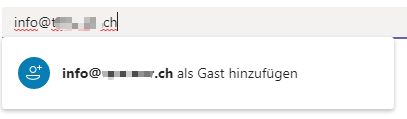
Enter the mail address to invite the guest
The guest will receive a mail from Microsoft (Steps for the guest)
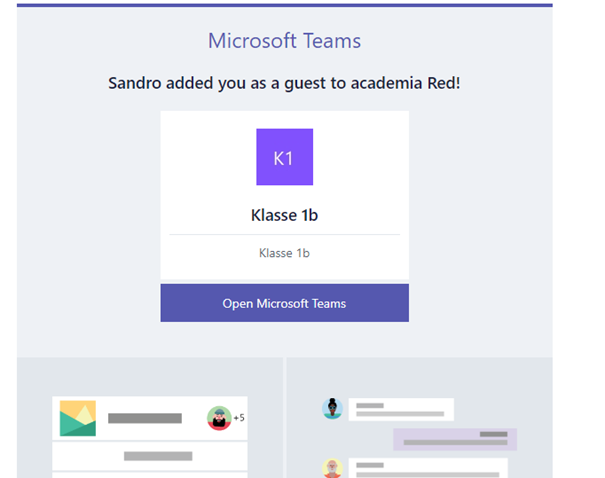
After clicking on the link, the guest has to create an account
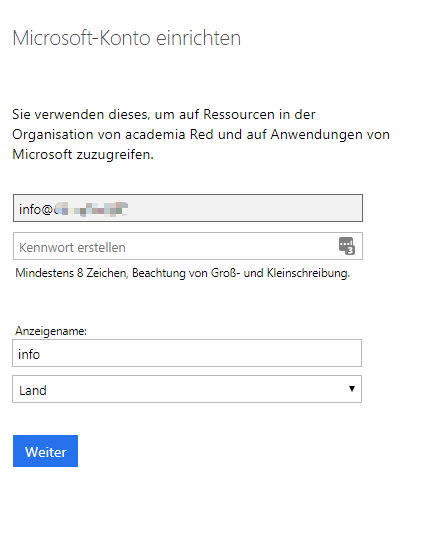
Follow the steps to complete the registration
Your guest will receive a verification code which he has to fill in
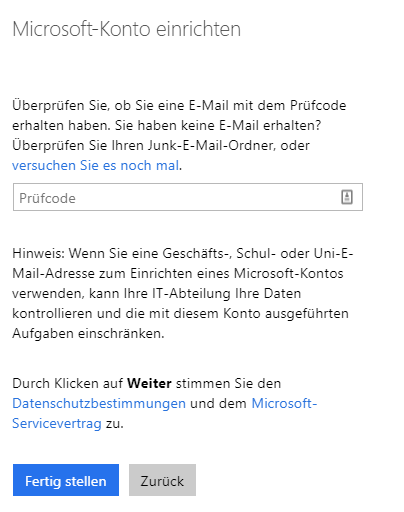

The last step is to allow check some permission for the account
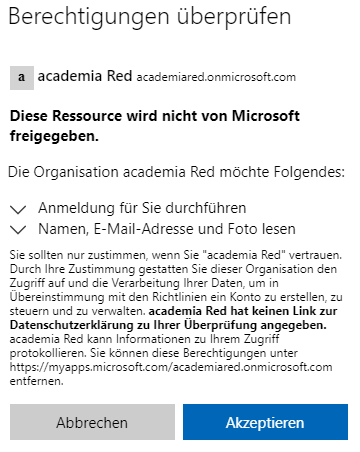
After this step, the guest is able to join your team