Go to onedrive.com.
Click on Download in the menu bar above.
Click Download.
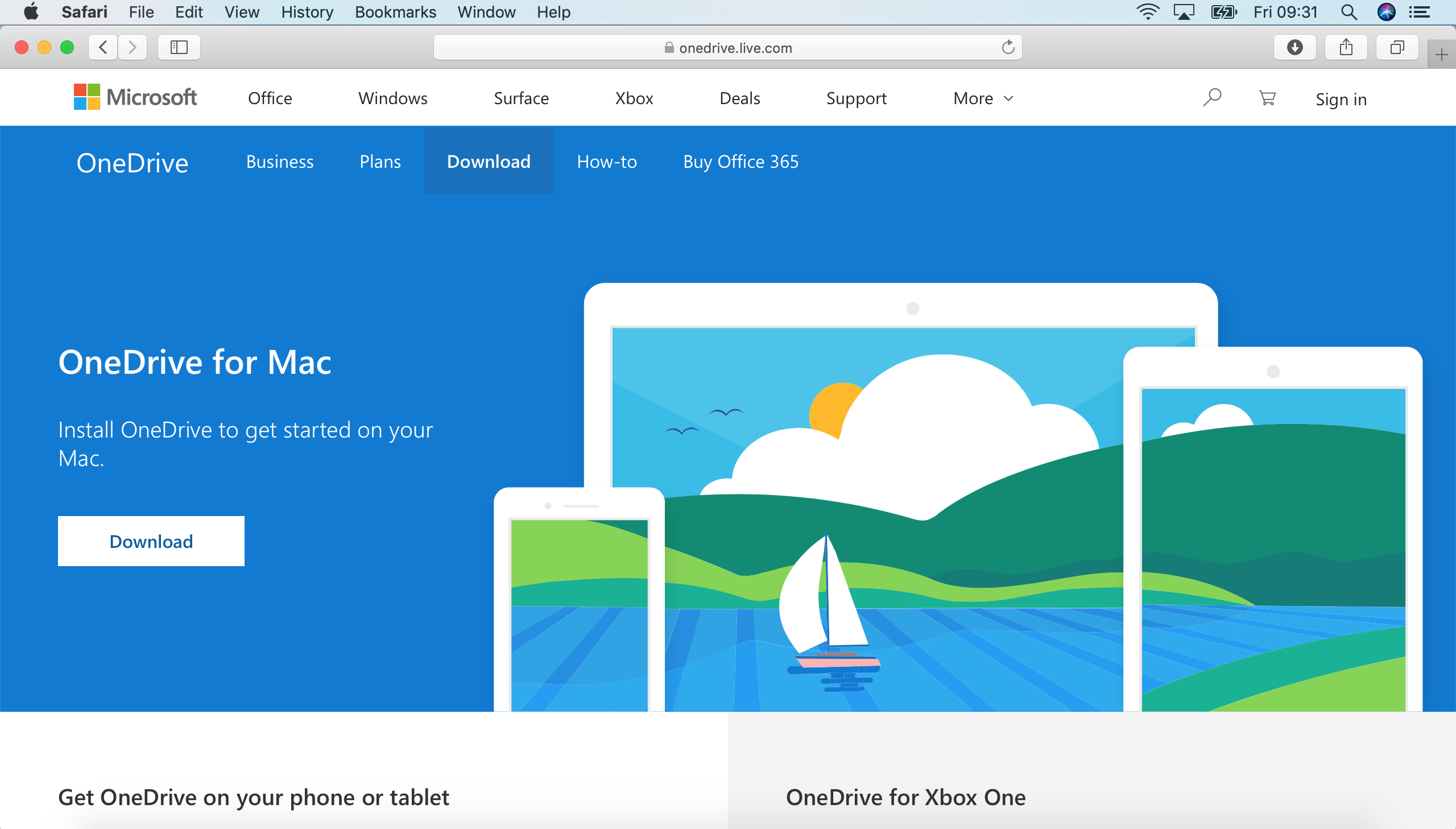
Go to onedrive.com.
Click on Download in the menu bar above.
Click Download.
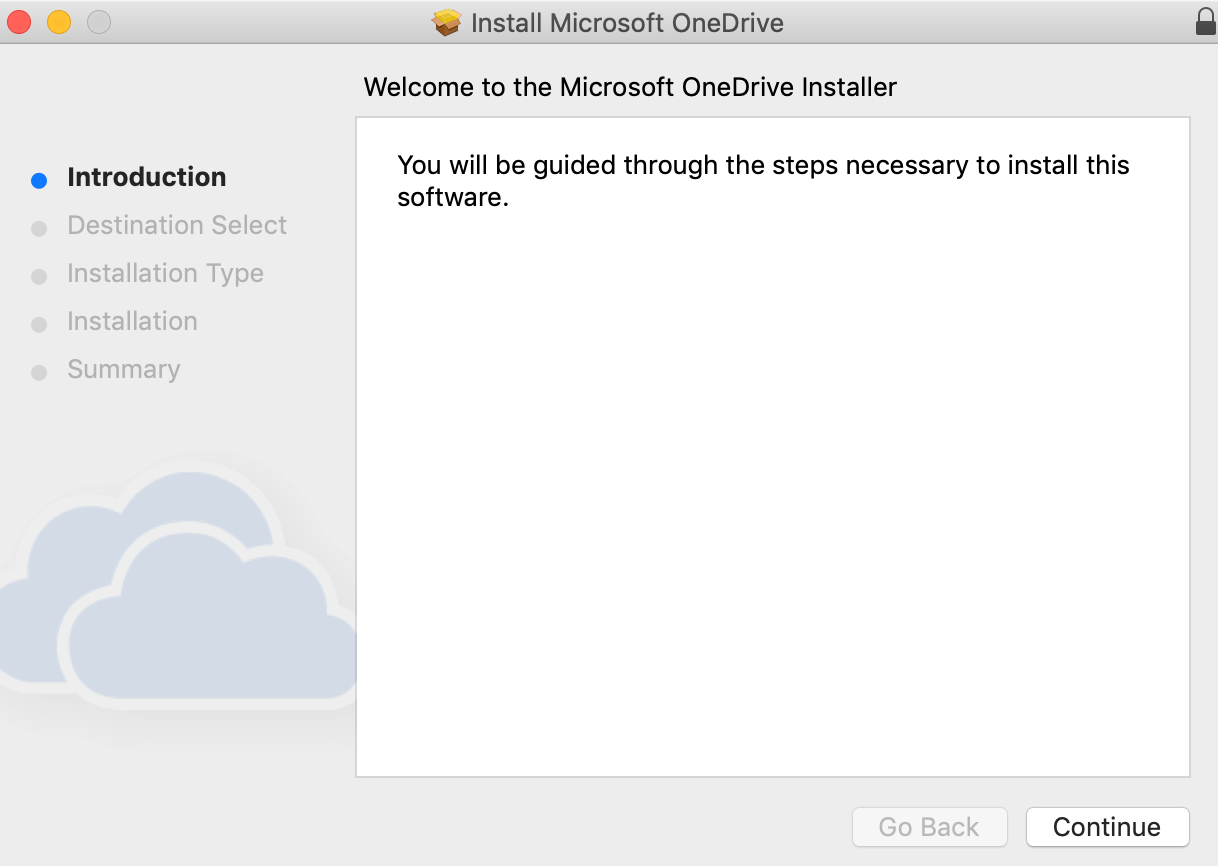
Click Continue.
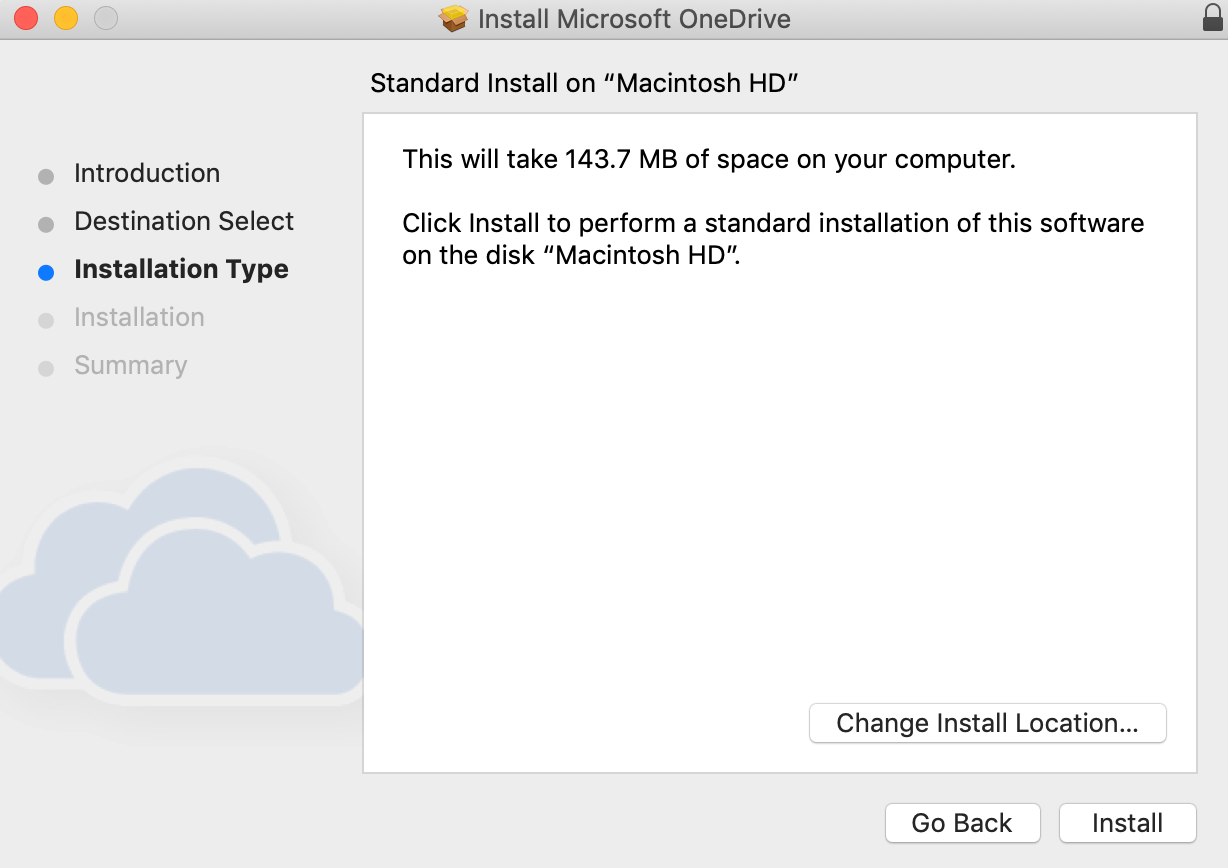
Click Install.
Type in your admin password if you have to.
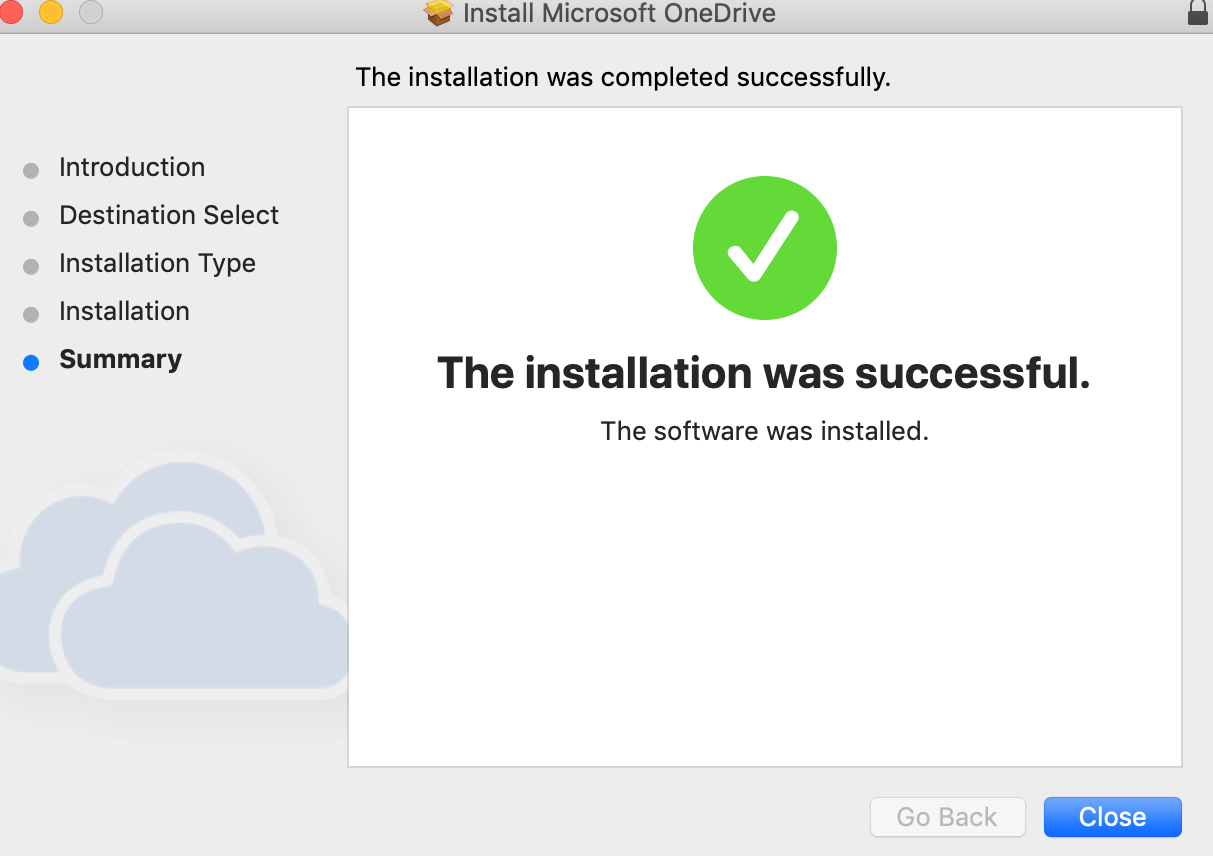
After the installation was successful. Click Close.
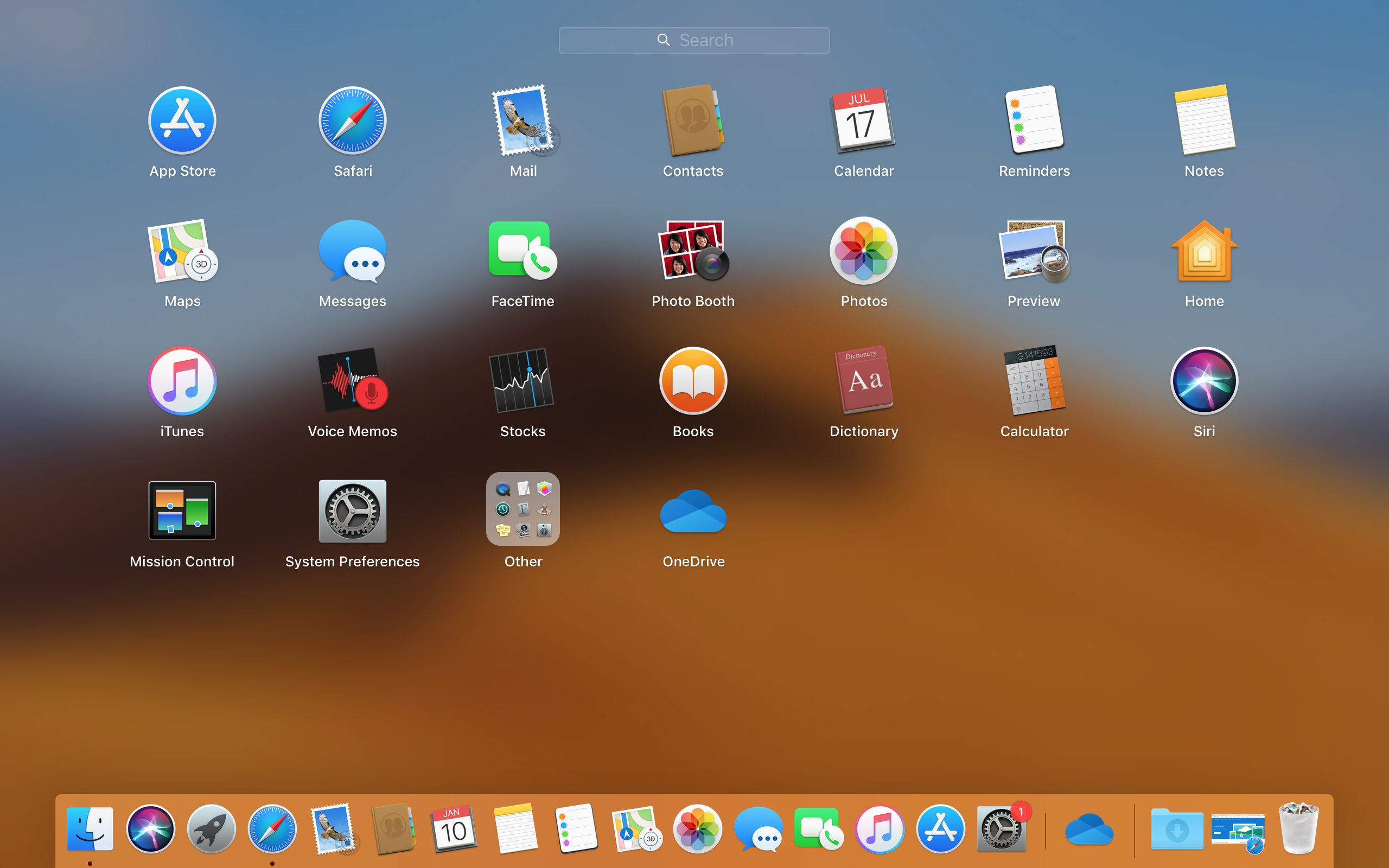
Open the Launchpad and click on OneDrive.
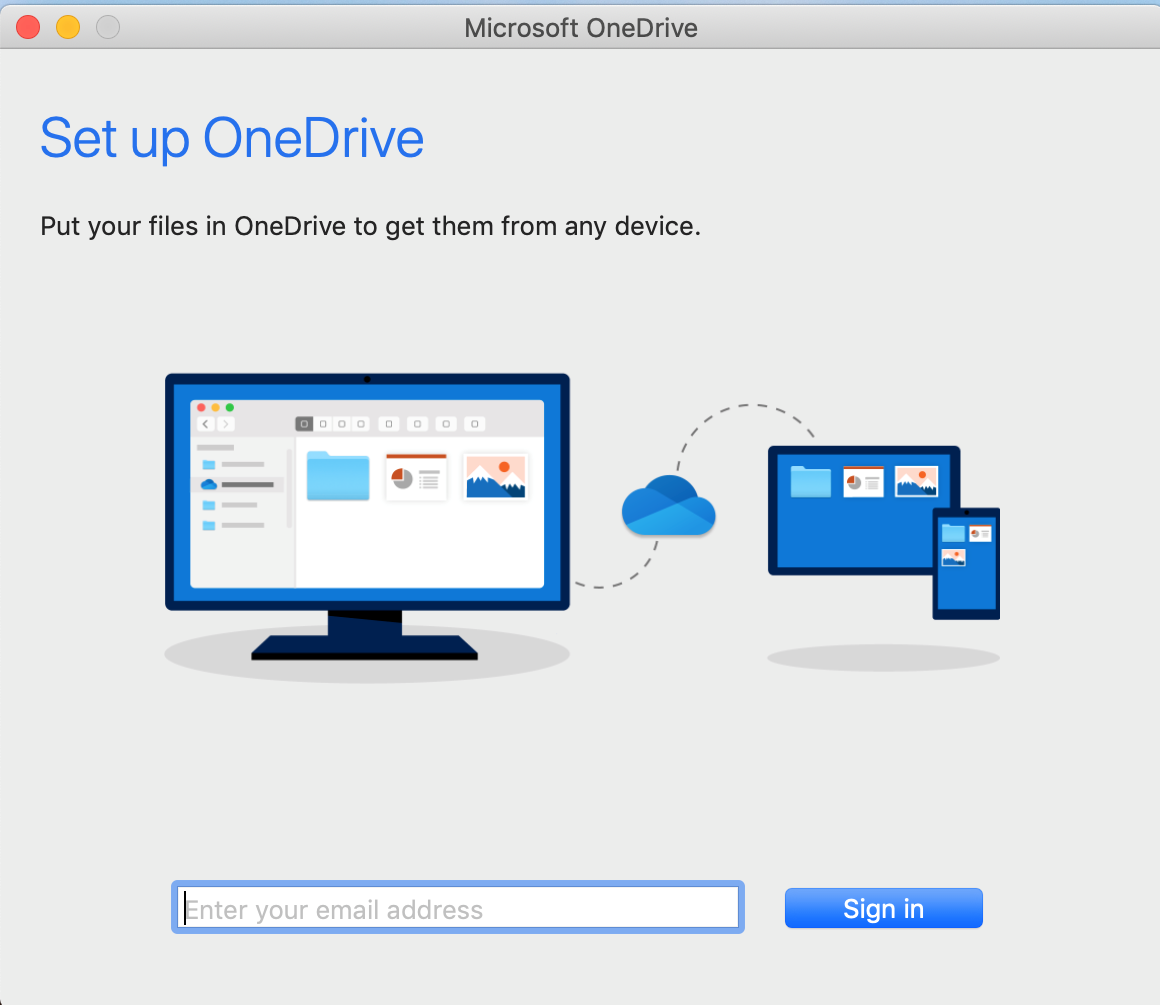
Now enter your email address and click Sign in.
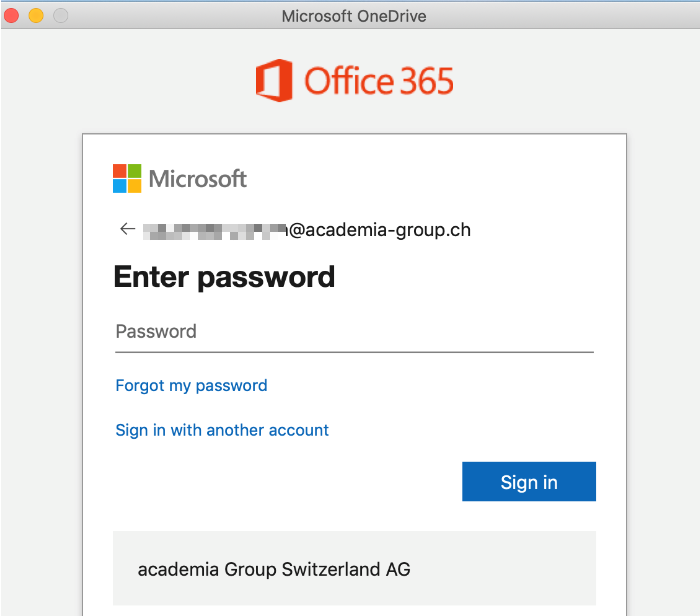
Type in your password and click on Sign in.
Click Next.
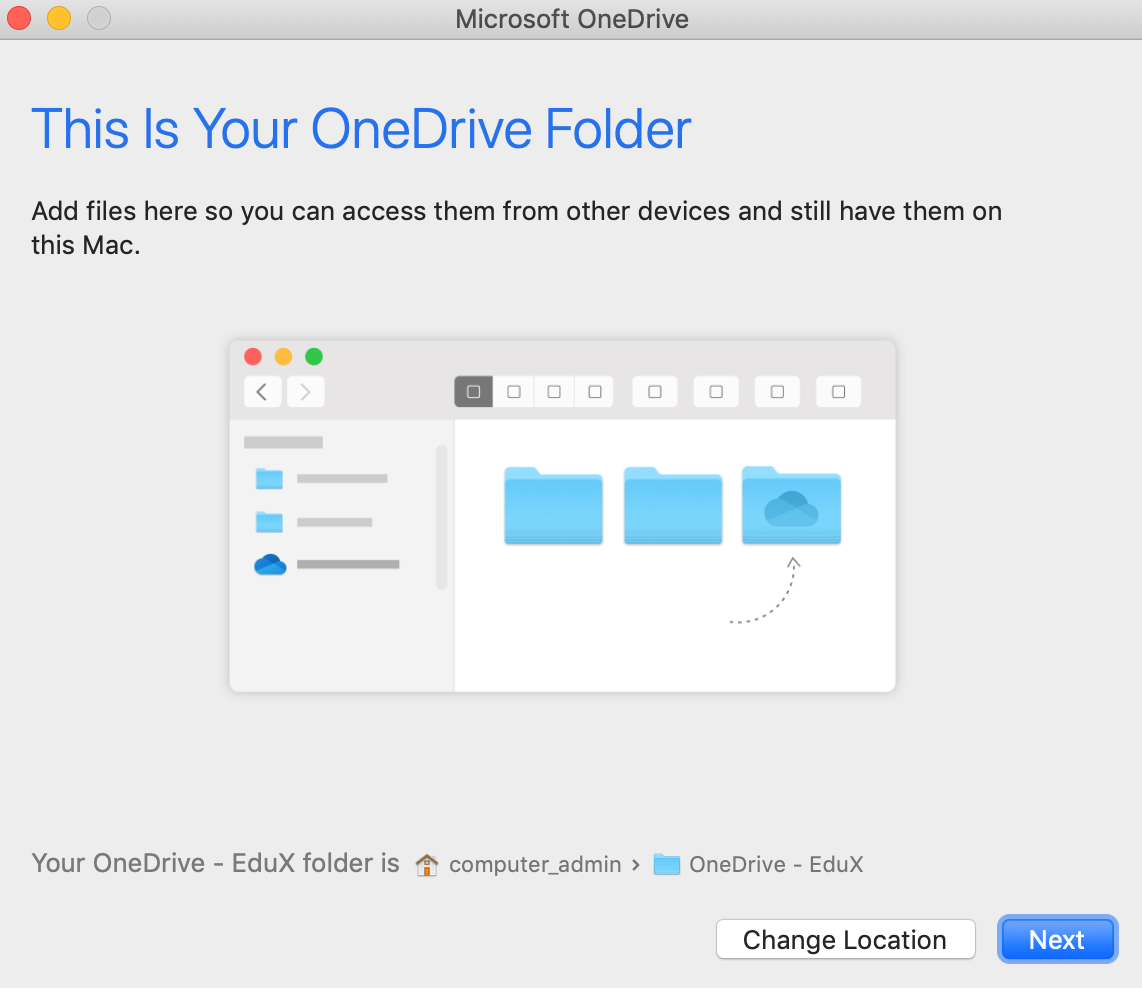
Click Next.
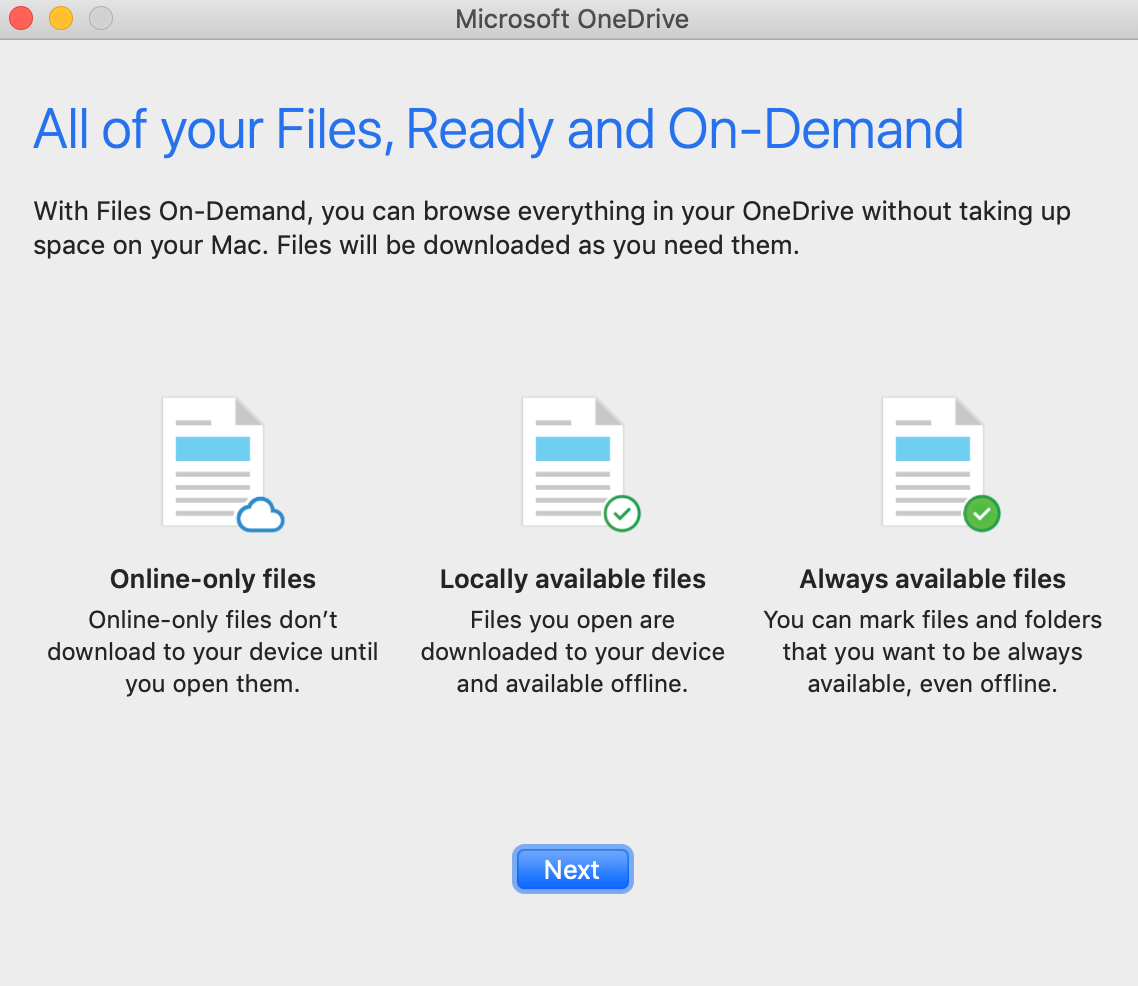
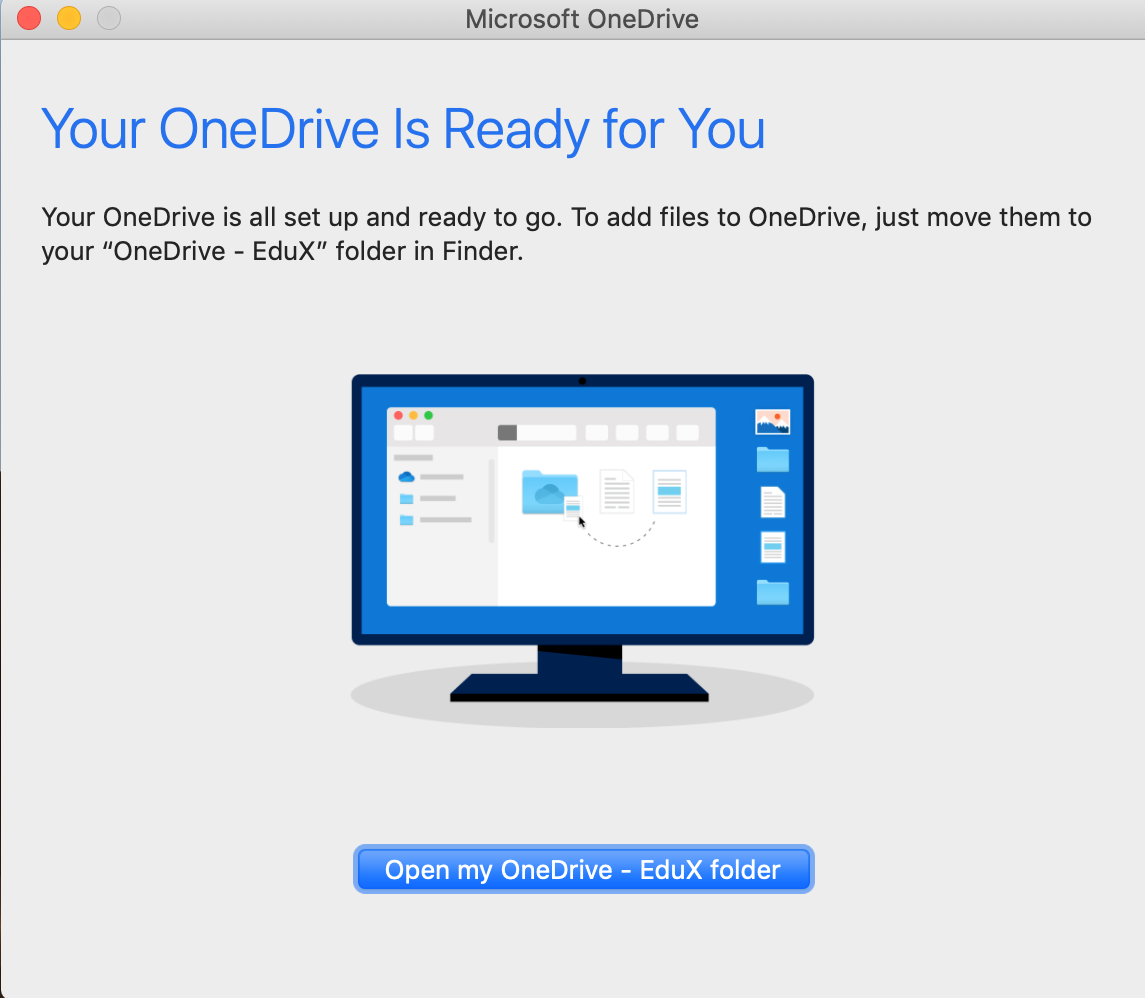
Click Open my OneDrive - Academaia Red folder.