Go to portal.office.com.
Log in with your account.
Click on Teams.

Skip the introduction
Ready to use Microsoft Teams
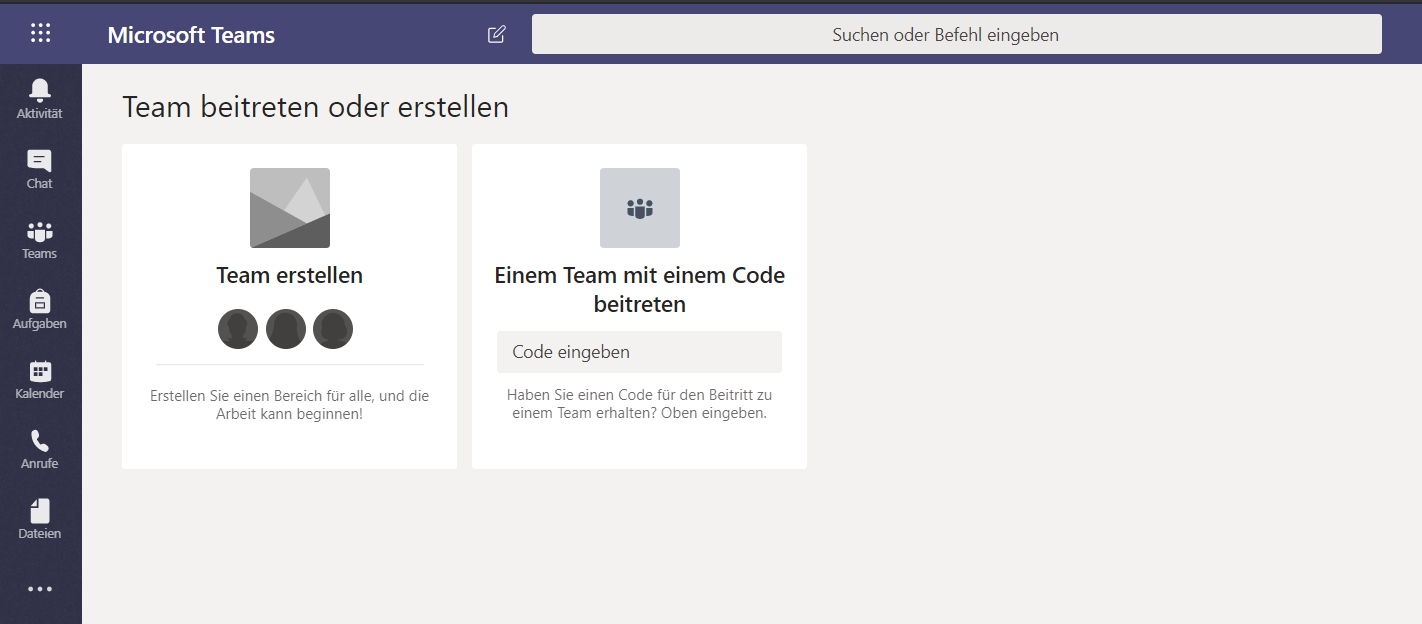
Go to portal.office.com.
Log in with your account.
Click on Teams.
Skip the introduction
Ready to use Microsoft Teams
Dateien.Kursmaterialien.Create a new document (Word, Excel, take a picture).
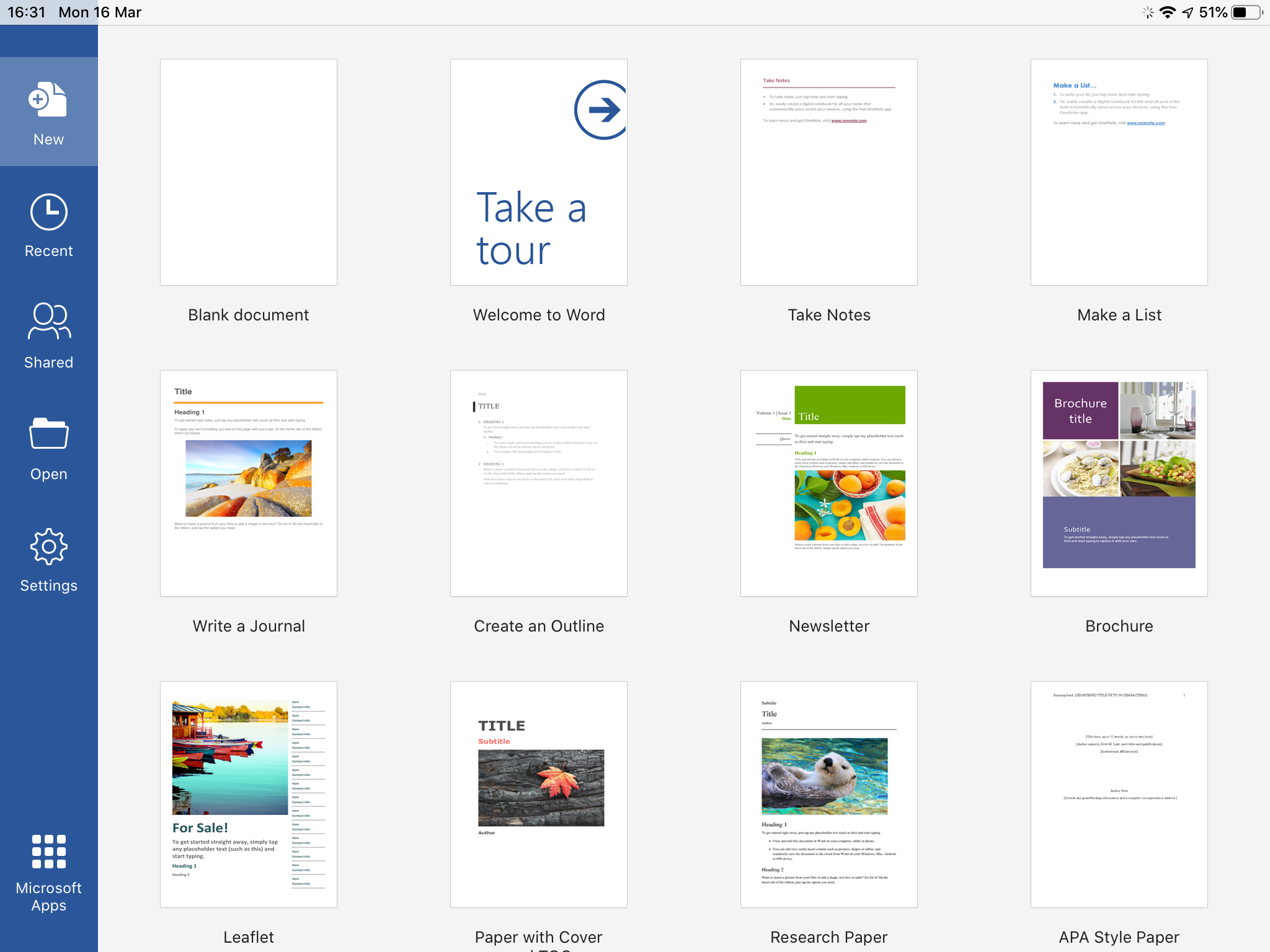
Do your work.
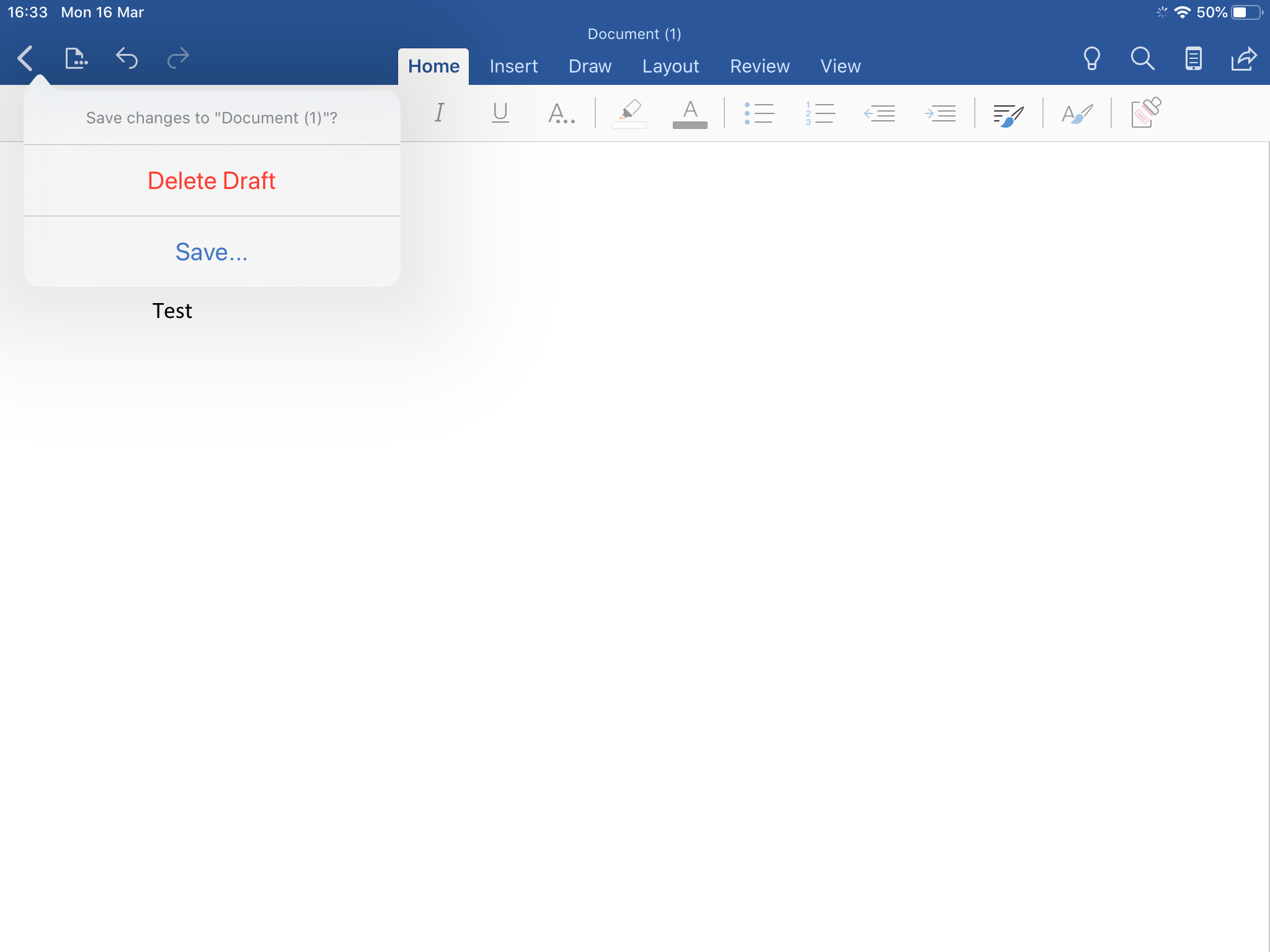
Save the document to your OneDrive (click for more information).

Go to Microsoft Teams.
Select the assignment.
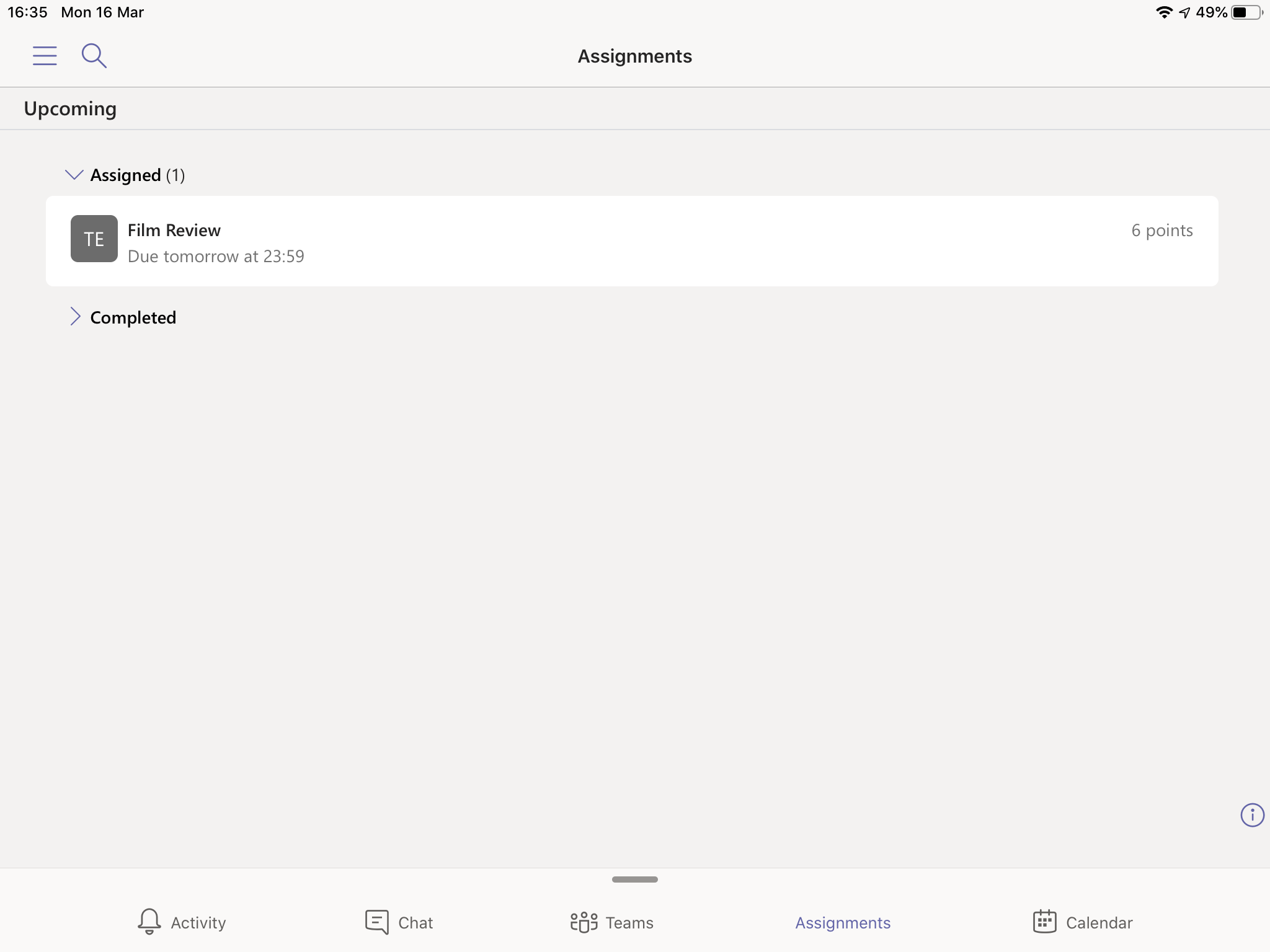
Press Add work.

Select your document and press Hand in.
