View, create, edit and share DOCX, XLSX and PPTX documents
Download and upload all other file formats
Display pictures in a slideshow
Play MP3 music files
Play MP4 videos
With the WebApp «Synology Drive» provides an additional web interface to:
View, create, edit and share DOCX, XLSX and PPTX documents
Download and upload all other file formats
Display pictures in a slideshow
Play MP3 music files
Play MP4 videos
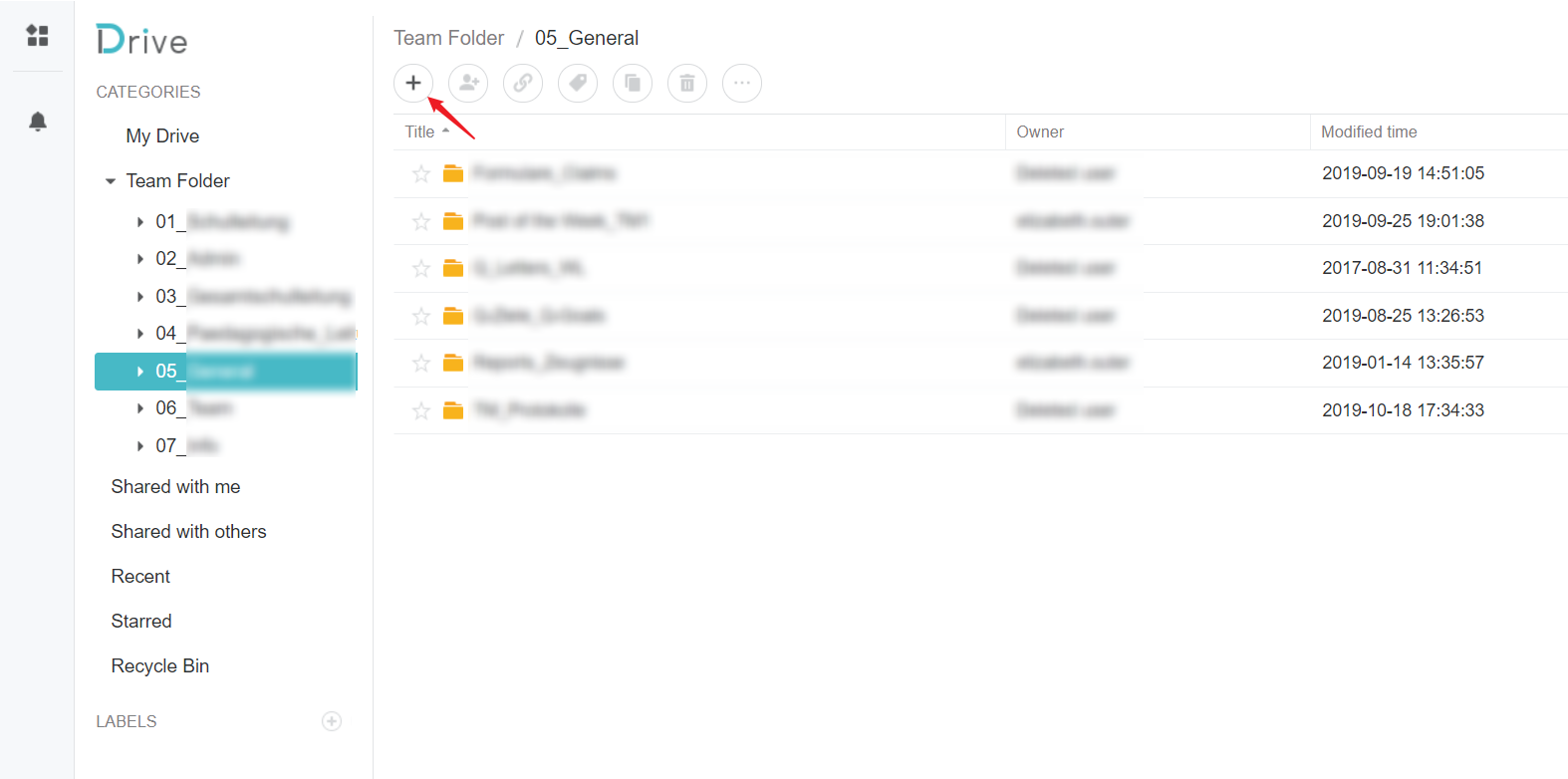
Synology Drive.Click on the plus sign in the upper left corner.
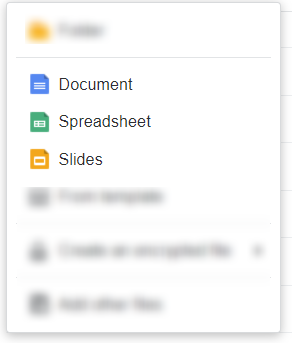
Choose between a Word, Excel or PowerPoint document.
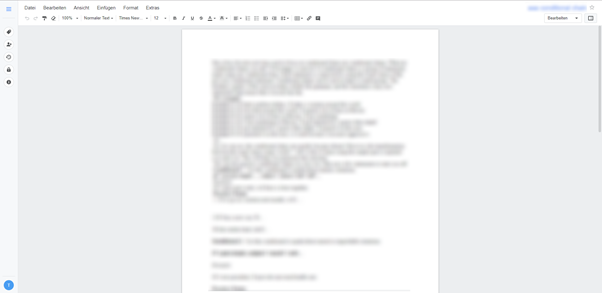
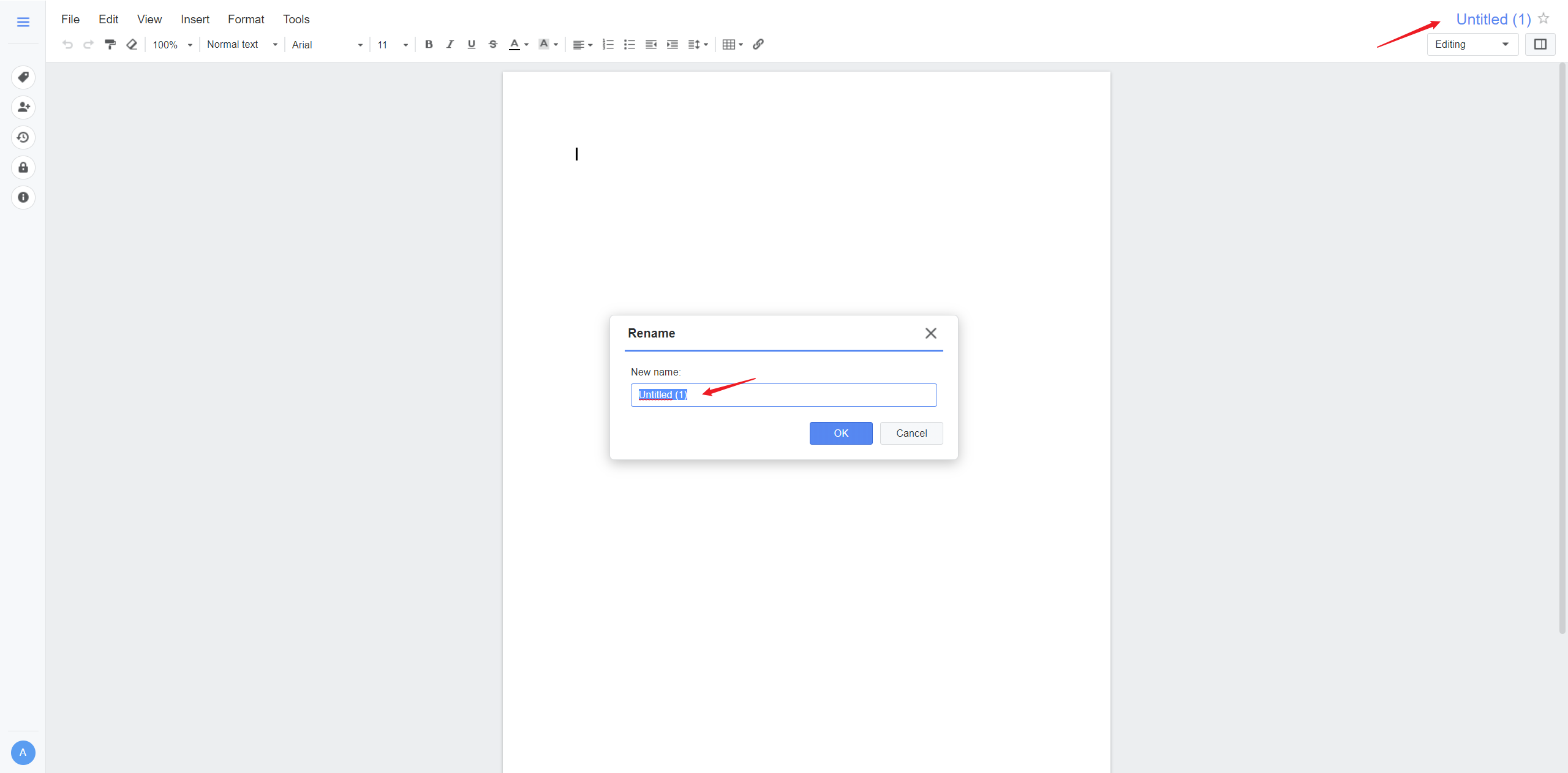
Give the new document a name in the upper right corner and get started. The document will be saved automatically!
Another user can open the same document and you can work on it together!
Other file formats such as images, PDF or videos can be easily downloaded and uploaded via drag-and-drop.
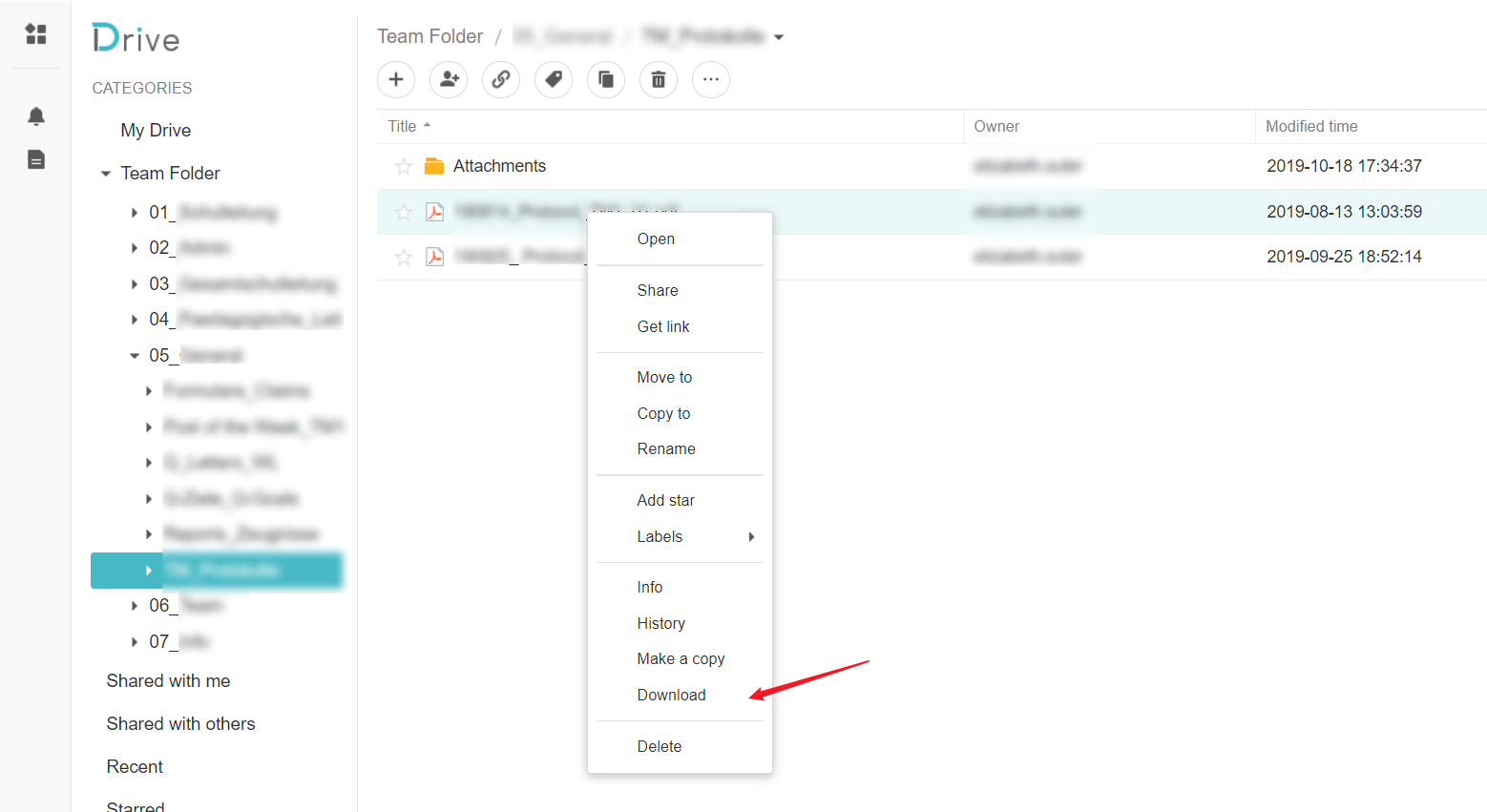
Right click on the document and then on Download.