Go to portal.office.com.
Log in with your account.
Click on Teams.

Skip the introduction.
Ready to use Microsoft Teams.
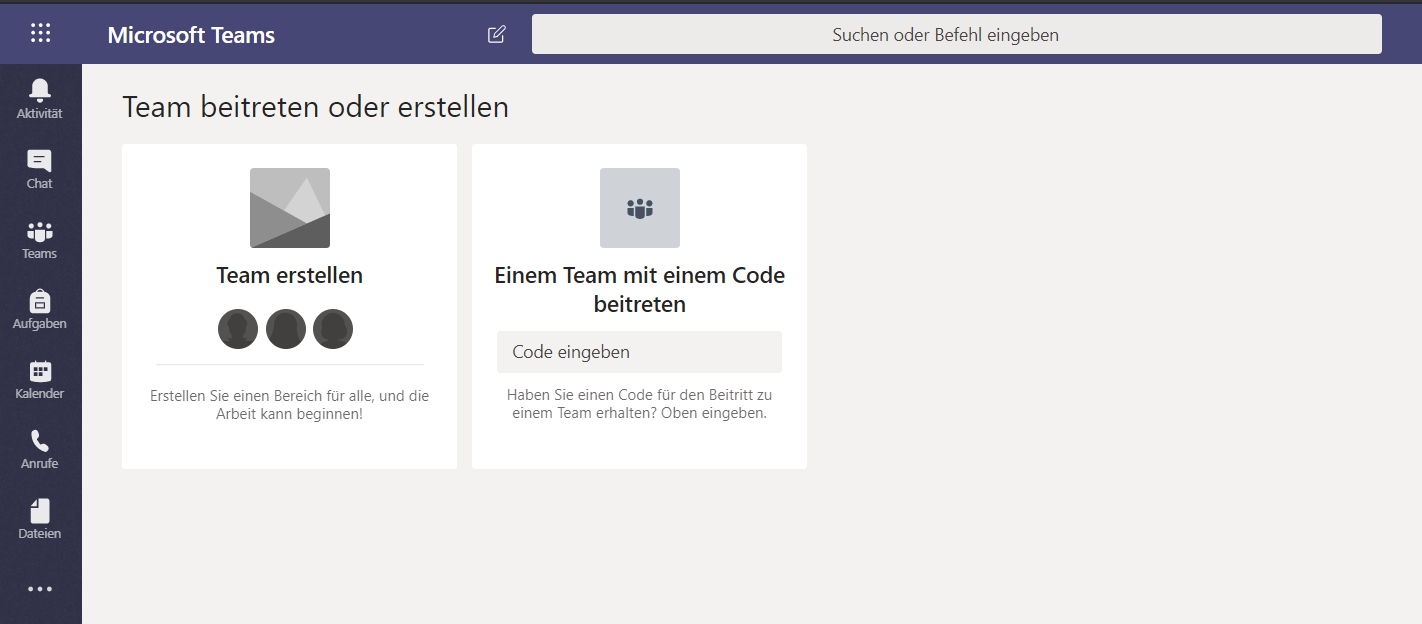
Go to portal.office.com.
Log in with your account.
Click on Teams.
Skip the introduction.
Ready to use Microsoft Teams.
Team erstellen.Kurs.name and add a description.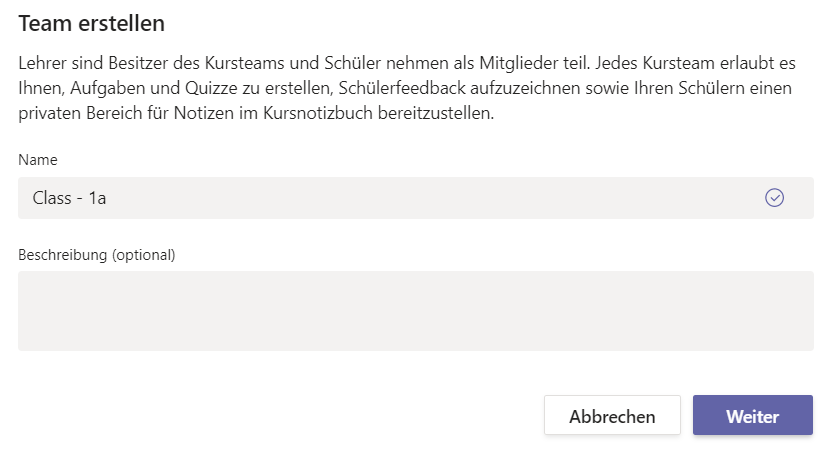
Click on Weiter.
Add all your students in this course over the search and click on Hinzufügen.
You can also add another teacher if necessary
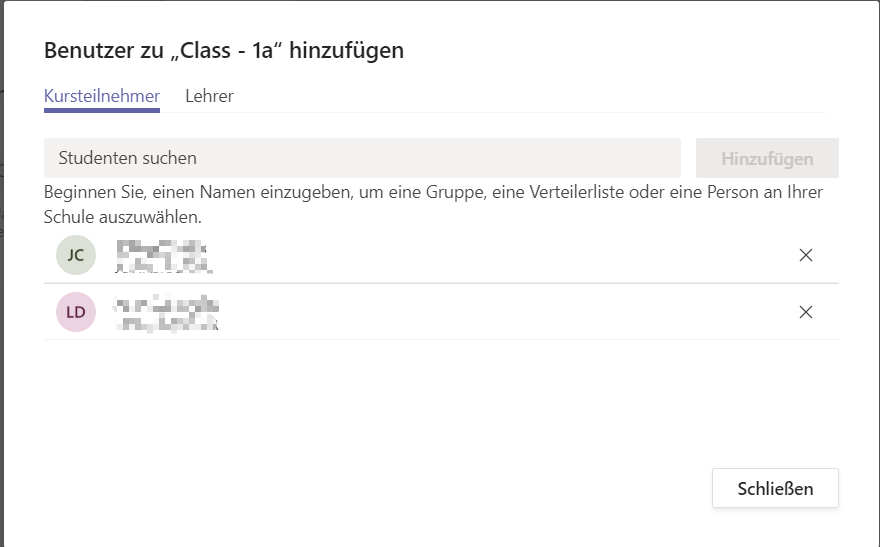
Your team is ready to use.
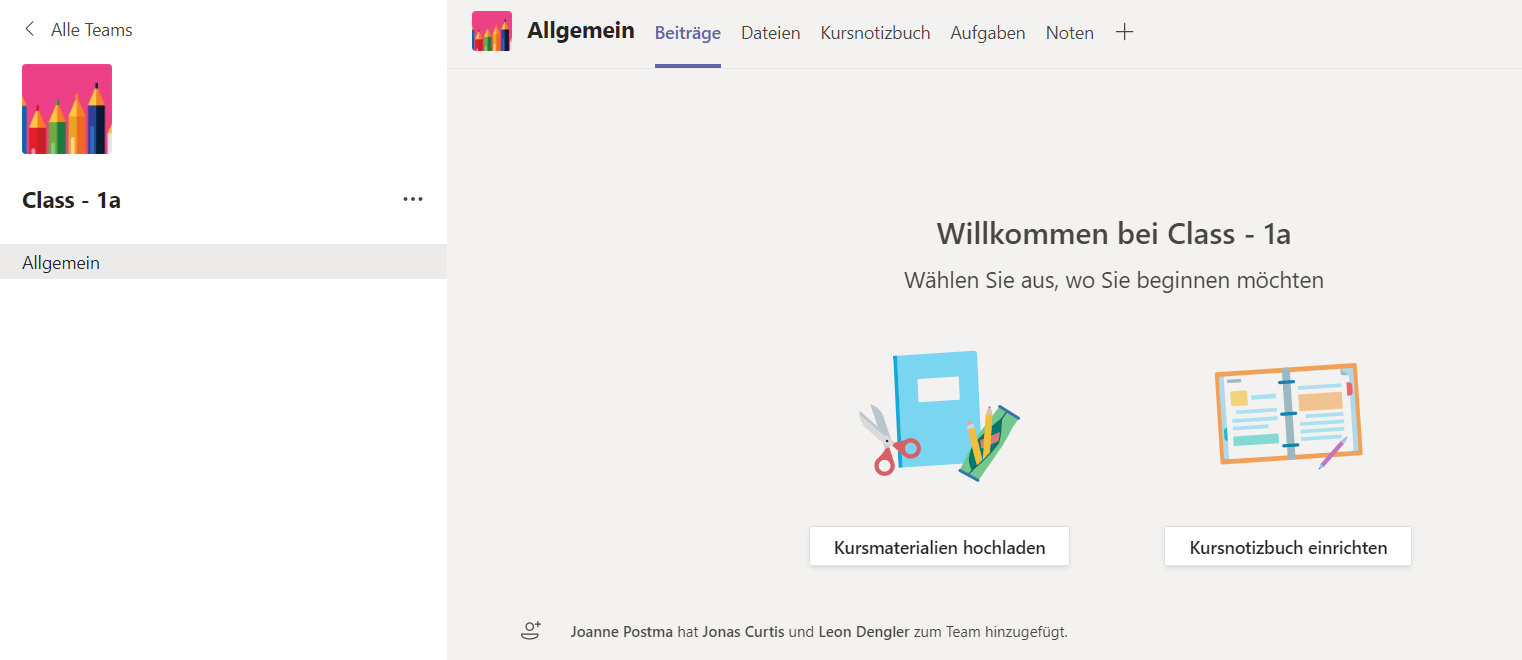
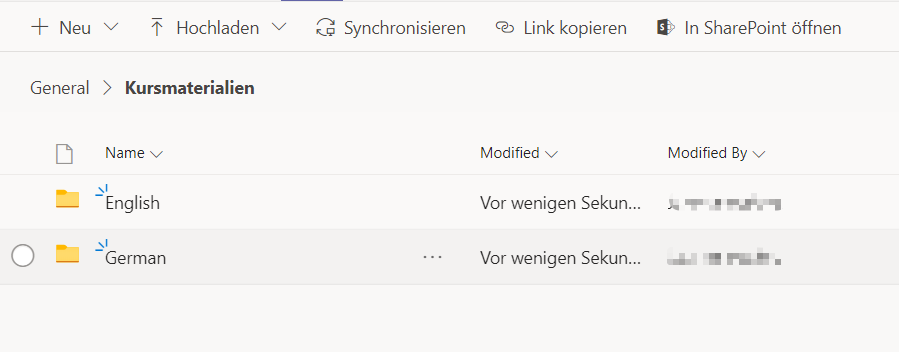
Click on Dateien.
Go to Kursmaterialien.
Click on Neu and create a folder.